Hello Aeseme, The next version, would be an improvement if you add the BQR "exit on oposite signal / Level (+/-) to go Long / Short". Thank you in advance !
Ignored
I can't promise this to be added in very next update, but I'll have this in mind to have something ready shortly.
Have you already read the #Post 1 of this thread yet?
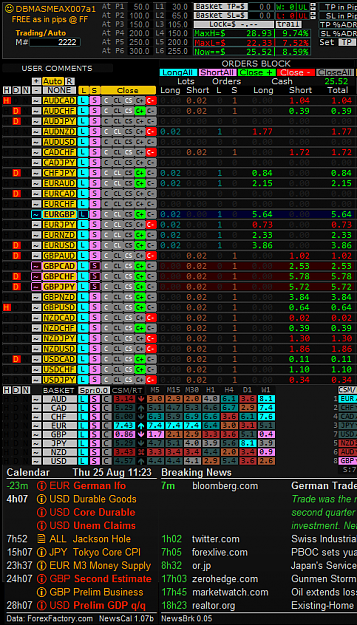
Hello Aseme a good improvement for the board. It would have two options for the size of the lots. Normal and balanced. This option has casino and it is doing very well to balance the risks. Thank you for the new version of your board. Regards {image}
Ignored
I always liked the idea of having something like that. I can't promise an ETA but I have that in my to-do list.
Have you already read the #Post 1 of this thread yet?
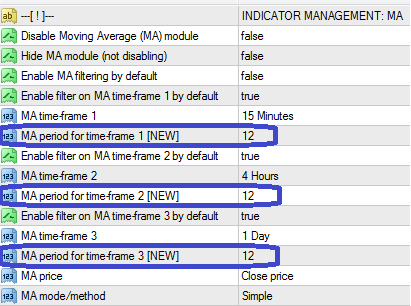
Hello good afternoon. Anyone know if there is a complete manual that explains how to use each indicator, for example, when you activate the indicator MA, which is the criterion used to open an operation. When you set MA 12 which is, periods of MA or pips the price of the MA moves away to open the operation. Thank you very much for the work
Ignored
The best manual available as of yet (in addition to this thread itself) is to walk through all settings....
... and is not that bad at all
Attached Image
Have you already read the #Post 1 of this thread yet?
I need help......!!!!! Does anyone know how to do it....!!! I'm doing manual trading. And only I can open up to 70 operations. As I can do to open more operations ...? It was not problem if the broker or the board..... Thanks for your help. Greetings to all. {image}
{quote} Maybe the settings made in the filter management, do not leave you ... may you and max orders/symbol = 1?!?
Ignored
I think you've reached a limit imposed by your broker or something like that.
If you are in manual, the dashboard's settings related to the amount of orders per pair/symbol nor overall are not relevant at all.
These settings are for [Auto] mode only. In manual you have no limit imposed by the dashboard.
Have you already read the #Post 1 of this thread yet?
{quote} The best manual is to walk trough all the settings.... {image}
Ignored
Thank you respond so fast. I read step by step the the settings and have seen that it is the period of the MA but when active this indicator alone. that is not what makes open one operation. ¿Is the price when crossing? ¿crossing MA?
{quote} Thank you respond so fast. I read step by step the the settings and have seen that it is the period of the MA but when active this indicator alone. that is not what makes open one operation. Is the price when crossing? crossing MA?
Ignored
By now, it is a directional (price[close] vs MA) trigger, and not a crossing (to-do) one.
Have you already read the #Post 1 of this thread yet?
I need help......!!!!! Does anyone know how to do it....!!! I'm doing manual trading. And only I can open up to 70 operations. As I can do to open more operations ...? It was not problem if the broker or the board..... Thanks for your help. Greetings to all. {image}
Ignored
FxPro Demo is limited to 70 open trades sometime there is a bug you can have 71 check with them I did
Forex can only be understood backwards, but it must be traded forwards.
{quote} Not an specific pair, at least by now. {quote} Like the same profit $ to every pair or a per pair profit $ target?
Ignored
per pair profit $ target.
it can be one setting , no need for 28 pairs )))
as we know every pair act differently , so to minimize the risk of many orders opening , if we have 10 open trades and 3 of them will hit the 2$ mark then lock of 1$ will apply to those pairs only , its pair based not a global based .
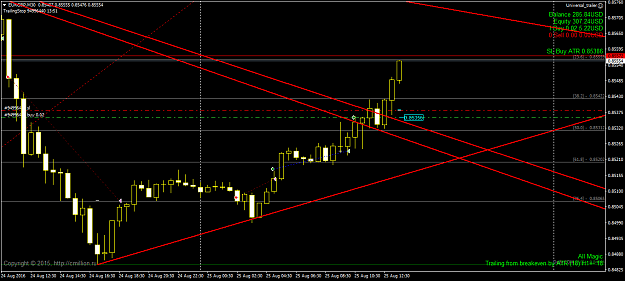
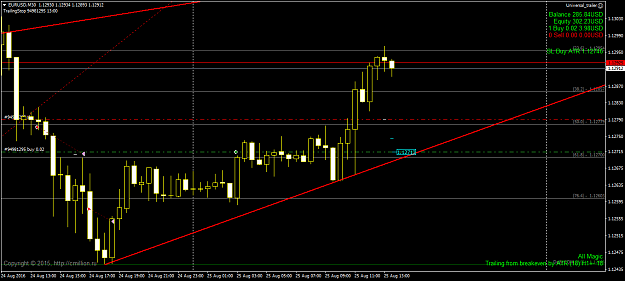
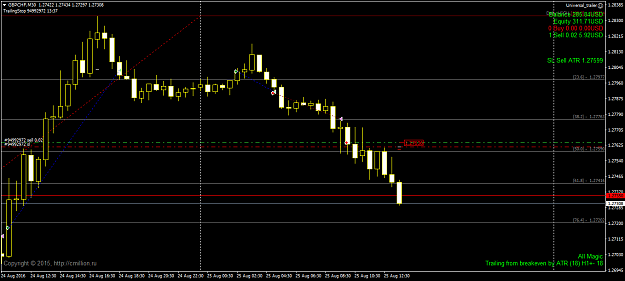
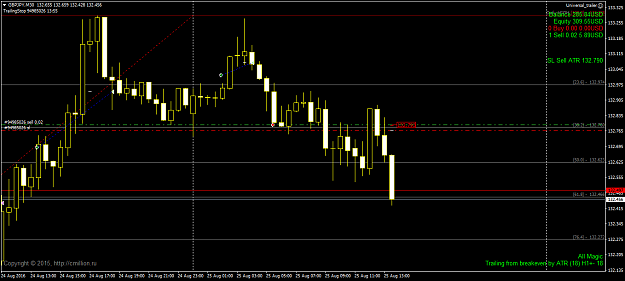
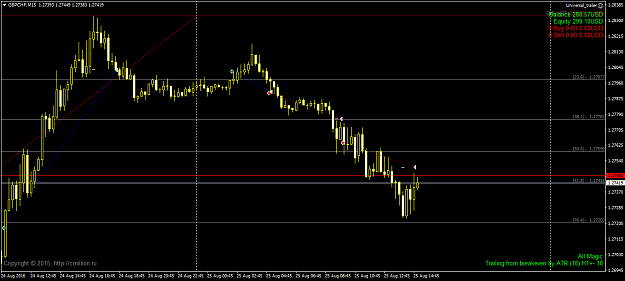
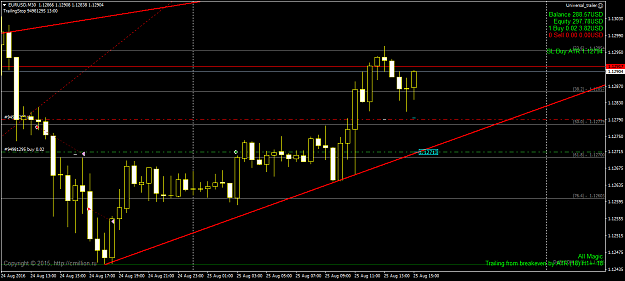
Catalin for your universal trailer setting, please can you tell what value you have for ATR period (method 3)? is it the default of 14? thanks, blam {quote}
Ignored
In this case, atr (GBPCHF) = 4 ... but we are change and all other parameters EA. .. Basically you have to do optimization EA for each pair , because the parameter values differ quite greatly from one pair to another.
The road to success is always under construction !
{quote} In this case, atr (GBPCHF) = 4 ... but we are change and all other parameters EA. .. Basically you have to do optimization EA for each pair , because the parameter values differ quite greatly from one pair to another.




 Thanks for your help. Greetings to all. {image}