DislikedGood morning - notice you are using IT Finance Charts - just a quick question - the green/red arrows indicating change - where are you pulling these from please?
BillIgnored
Excuse me for the late reply - but I am too busy with trading - and often I do not even have much time to read in this forum. So luckily I just saw your question right now - but this was happening more or less accidentally / by sheer chance.
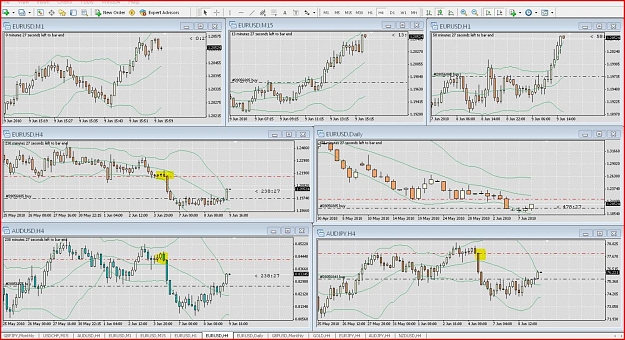
Well - yes it is super easy - go to the "add elements button" (it is just beneath the "print charts button") down below the Chart Window. On the left side of the scroll bar you will find it.
"Add elements" will open a menue then - there you will find it - Arrow - Buy signal - Sell signal.
Hope this was helpful for you.
Otherwise - you can give me your email address when your Private Message Service has been activated and I will send you a ScreenShot with explanation.
Unfortunately this FF Forum does not allow to send you a PM with attachments.
Excuse me for writing here in Forum at the open side - but your PM does not work at the moment.
Possibly the moderators or admins will activate it for you soon.
;-)
Greetings
mercy
2013-07-31 Today's Phrase of the Day: Hold off from any recycle bin experts