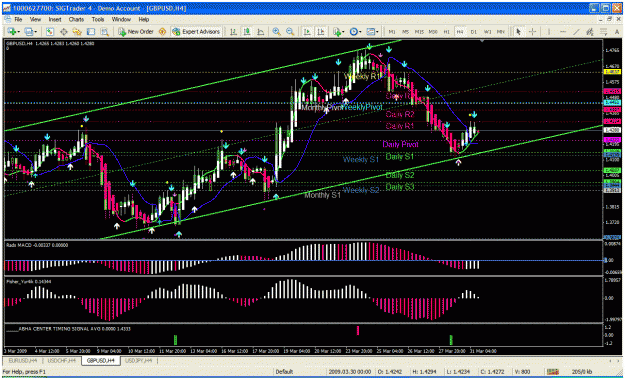
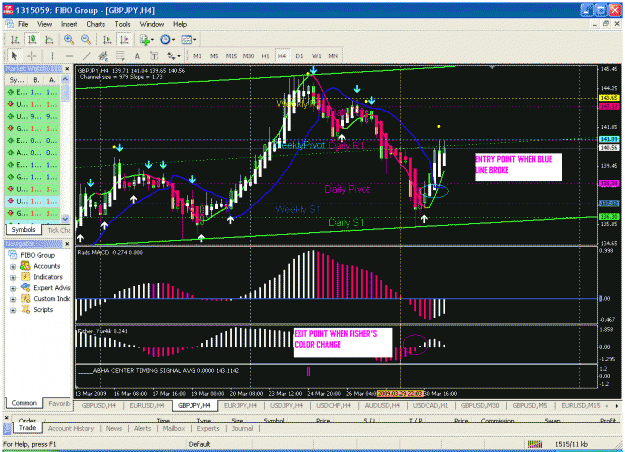
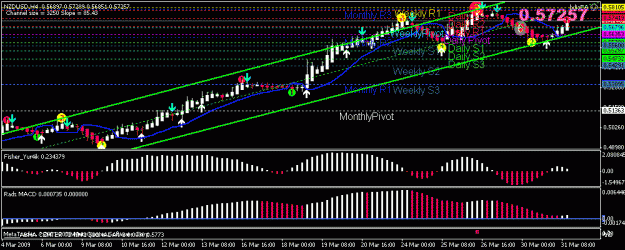
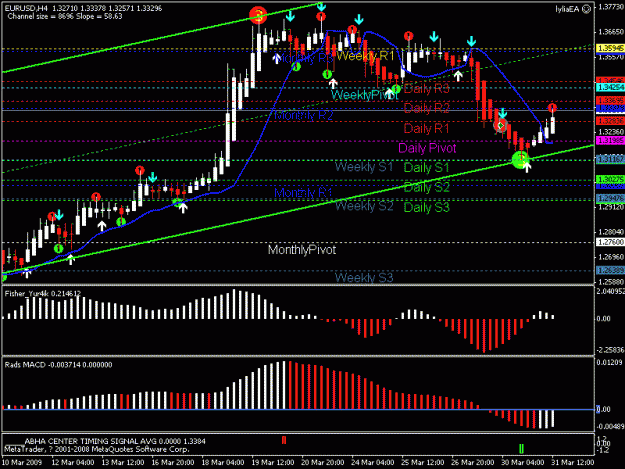
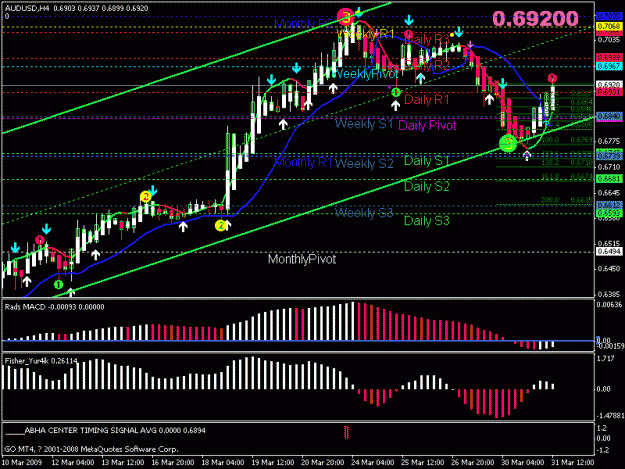
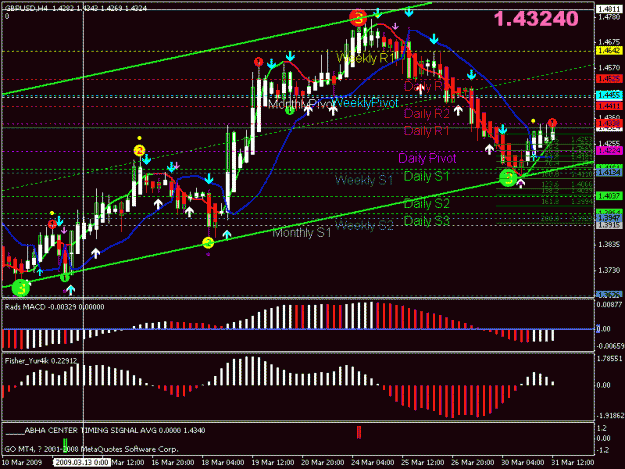
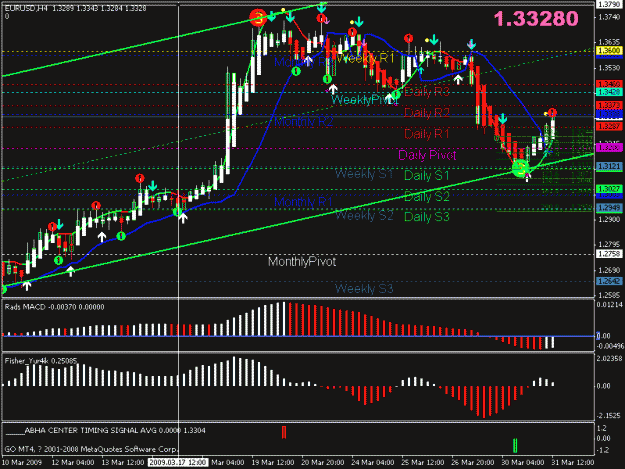
I attached all Indicators into: Crogram FilesSIGTraderexpertsindicators, and I attached the Lyllia EA into Crogram FilesSIGTraderexperts, I attached Template FX into Crogram FilesSIGTraderexpertstemplates. However, the EA system has not execute any trade automatically.
I also Turn on the Menu “ Expert Advisor” into Green Tick to enable the EA to work. Bt still, it did not work.
Could you and anybody else direct me how to do it properly to enable the EA work automatically?
I did not let platform continually running. I shut them down. Then when I restart it I did not tick the icon enable EA.And I am wondering why the position could not be closed.That's how I get some good pips.But for test purpose it is not good.Because I want to know how many positions could not be closed in real time. if I exam the chart by eyes I see none.But there is no perfect system in this world .There must be something faulty for any system:
For an example, this method when there is congestion area in lower TF >1hr there will be many arrows come out to closed each other frequently.That's something I do not like.So I avoid it.If anybody could solve that problem make it also tradable for lower time frame.it is vey helpful.
I attached all Indicators into: Crogram FilesSIGTraderexpertsindicators, and I attached the Lyllia EA into Crogram FilesSIGTraderexperts, I attached Template FX into Crogram FilesSIGTraderexpertstemplates. However, the EA system has not execute any trade automatically.
I also Turn on the Menu “ Expert Advisor” into Green Tick to enable the EA to work. Bt still, it did not work.
[FONT=Times...
Ignored
[/size][/font] When attach EA to your chart,there will be a dialoge box come out.You have tick all the box to make EA functional.and then click icon on your platform again to make it work. if you see on the right uphand corner of your platform there is smiling face which mean you attach it properly.otherwise No.
[/size][/font] When attach EA to your chart,there will be a dialoge box come out.You have tick all the box to make EA functional.and then click icon on your platform again to make it work. if you see on the right uphand corner of your platform there is smiling face which mean you attach it properly.otherwise No.
Ignored
Lyllia..! Could You please spell it out step by step on how to attach and enable the EA to Work? I am a newbie and just do not know much on the trading platform. Please advise it...
I do not know where the smiling face coming up on the right of my uphand. Please show by illustrating it to me in picture.
Really appreciate for your kind help and cheers. - PREA
Lyllia..! Could You please spell it out step by step on how to attach and enable the EA to Work? I am a newbie and just do not know much on the trading platform. Please advise it...
I do not know where the smiling face coming up on the right of my uphand. Please show by illustrating it to me in picture.
Really appreciate for your kind help and cheers. - PREA
The most important thing in this system remember is to have your faith in this system:
Once the arrow come out in 4hr chart ,play your trade.Like last night all the pairs turn around.According to my experiences,it is very rare that does not work.
I couldn't understand your peoblem.It shouldn't happen if you download all the indicators to your trading platform properly,regardless which broker you use.
Follow the following steps;
1.download all the indicators into your indicator file & template into your template file:
2.attach template to your chart;
3.download EA to your expert file and attach it to your chart. When you attach it to your chart ,do not forget to tick the box allow Expert Adviser,and other boxes (anybody could help here give the name of other boxes and tick them all,my...
Ignored
Dear Lyllia..
I have done it as you told above. But I do not understand when you said OTHER BOXES TO BE TICKED. What I have Ticked was Expert Advisor Box only. Please clarify it. Thanks
The most important thing in this system remember is to have your faith in this system:
Once the arrow come out in 4hr chart ,play your trade.Like last night all the pairs turn around.According to my experiences,it is very rare that does not work.
Ignored
Why do you mind to shrare the result here by posting the chart and so on? Could you please post it...? We will learn quickly the through visualization
Lyllia..! Could You please spell it out step by step on how to attach and enable the EA to Work? I am a newbie and just do not know much on the trading platform. Please advise it...
I do not know where the smiling face coming up on the right of my uphand. Please show by illustrating it to me in picture.
Really appreciate for your kind help and cheers. - PREA
Ignored
Follow thisi step:
1.attach EA to your chart;
2. a dialogue box pops out ,go to the parameter section and tick all the
boxes.then close it.
3.then click your platform:enable EA trading fuction.
4.you will see there is a smiling face on the right uphand of your platform.
Lyllia..! Could You please spell it out step by step on how to attach and enable the EA to Work? I am a newbie and just do not know much on the trading platform. Please advise it...
I do not know where the smiling face coming up on the right of my uphand. Please show by illustrating it to me in picture.
Really appreciate for your kind help and cheers. - PREA
1.attach EA to your chart;
2. a dialogue box pops out ,go to the parameter section and tick all the
boxes.then close it.
3.then click your platform:enable EA trading fuction.
4.you will see there is a smiling face on the right uphand of your platform.
Ignored
Lyllia,
When I insert the EA by clicking at Menu 'Indicator - Custom', No pop-up box coming up.
FYI, I saved and copied the EA in the Expert/Indicator Folder already. Am I doing right? If I am wrong, how should I pick up the EA from the Expert Indicator folder?
As I have set up the trading platform with all the lyllia template and activation of EA on 4H Time Frame, Do I just leave it to the EA to execute the trade automatically or Do I have to firstly initiate a trade from each pair? Please Advise.



 rogram FilesSIGTraderexpertsindicators, and I attached the Lyllia EA into C