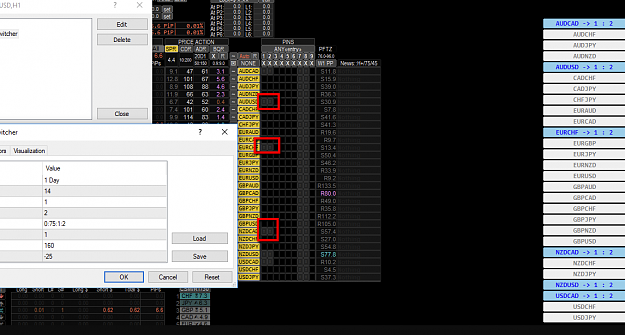
DislikedDone. Tomorrow I will prepare setups for switcherWe pray this time test performance is protected against Trump tweets
{image}
Ignored
Just kidding. love to use DashPIN also. i guess its discontinued for public use
"Don't Predict, Do react"
MagicGirl dashboard 221 replies
Help with dashboard style indicator 2 replies
Dashboard indicators 4 replies
Dashboard Indicator Required 1 reply
Dashboard/Grid in lower indictor window 6 replies
DislikedDone. Tomorrow I will prepare setups for switcherWe pray this time test performance is protected against Trump tweets
{image}
Ignored
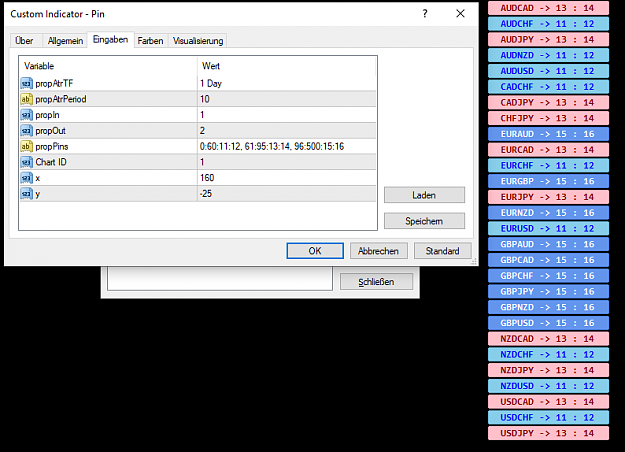
DislikedDone. Tomorrow I will prepare setups for switcherWe pray this time test performance is protected against Trump tweets
{image}
Ignored
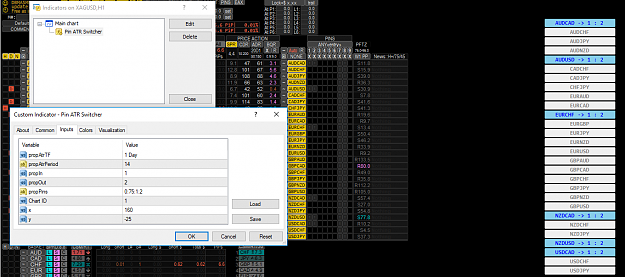
DislikedI was preparing setups and i decided make things more complex. This night I will upload something never seen before. A PIN selector depending pair ATR. It will allow choose an entry/exit group PIN channels taking pair ATR. You can guess possibilities about thisIgnored
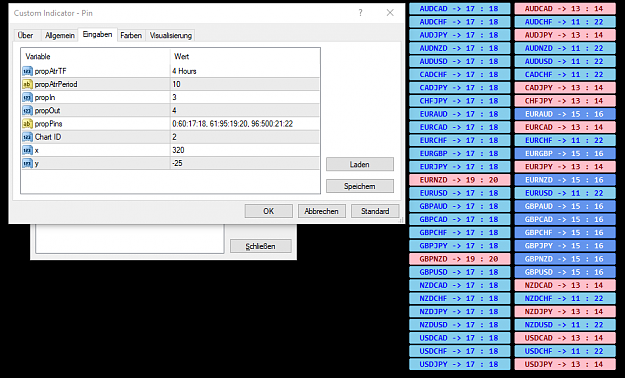
DislikedDone. Tomorrow I will prepare setups for switcherWe pray this time test performance is protected against Trump tweets
{image}
Ignored
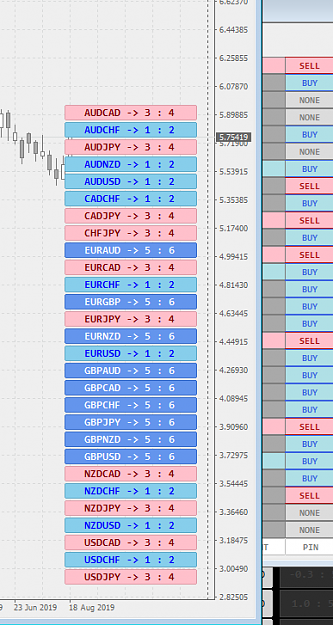
Disliked{quote} In the attached snap, for which time frame you have set it for? 15M? Is this the current situation of the trend and flat which the market closing time at friday? Because Im struggling with same flat trend issue and trying to make a setup (mix with few TDIs)Ignored
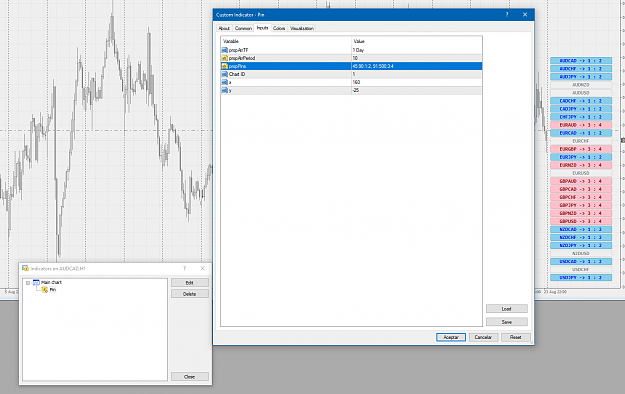
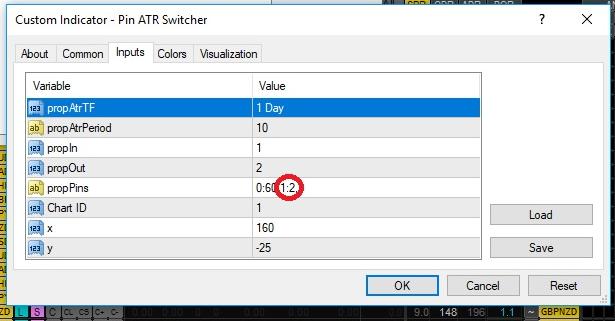
DislikedPin ATR Switcher ( v0.10b1 ) propPin have 4 fields by group. Every group is separate with ','. Every field with ':' If you want set ATR group between 10 and 50 and route pin 20/21 ( entry/exit pins ) you have write: "10:50:20:21" If you want set 2 ATR groups: atr 10/50 pin 20/21 and atr 70/120 pin 30/31 "10:50:20:21, 70:120:30:31" All pins will be route to propIn/propOut ( entry/exit ) {file}Ignored
Disliked{quote} excuse me Juan but i didn't get how to put this pin to dashboard! i understood how to make groups but i don't know how to use it on dashboard. can you explain it more? ThanksIgnored
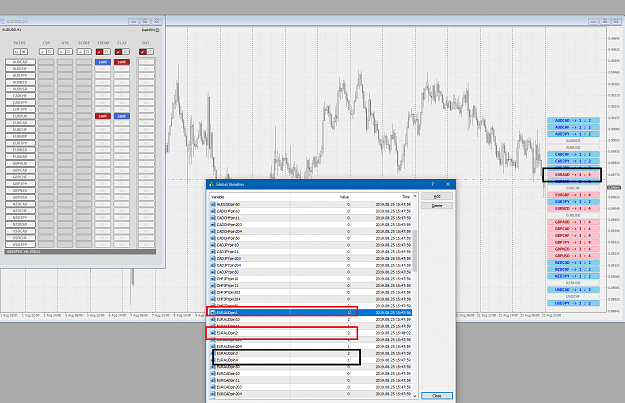
Disliked{quote} An example: 1) You want use EAX pin 1 as entry and EAX pin 2 as exit. 2) You have an entry setup in pin 10 and an exit setup in pin 11. You want both setups are used only in pairs have ATR below 70 3) propIn/propOut will be set with EAX pins ( 1 for entry and 2 for exit ) All pairs with ATR below 70 will use pins 10/11 for get signals and will be routed to pins 1/2 If you have more setups you only have add more rules and you will be able to send others pins to EAX pins 1/2. What setup is taken in any pair depends ATR ruleIgnored
DislikedThis is part of my future auto "trading platform". Now you think this tool can choose specific setup after analyze market structure in a deeper way ( as waves lenght, high/lows structure, etc). You though right, no bad daysIgnored
Disliked{quote} An example: 1) You want use EAX pin 1 as entry and EAX pin 2 as exit. 2) You have an entry setup in pin 10 and an exit setup in pin 11. You want both setups are used only in pairs have ATR below 70 3) propIn/propOut will be set with EAX pins ( 1 for entry and 2 for exit ) All pairs with ATR below 70 will use pins 10/11 for get signals and will be routed to pins 1/2 If you have more setups you only have add more rules and you will be able to send others pins to EAX pins 1/2. What setup is taken in any pair depends ATR ruleIgnored
Disliked{quote} You can't use same pins. In rules you set pins 1/2 and you set same in propIn/propOutIgnored