DislikedHow to add custom indicators to MT4 platform
1. Close MT4 platform.
2. On your local disk find the folder you installed MT4 to.
3. Inside it find a folder called "experts", and within it another folder called "indicators".
4. Now, copy your custom indicators as is into the "Indicators" folder.
5. Run MT4 platform.
6. In the upper Menu go to:
"Insert" -> "Indicators" -> "Custom".
You should be able to find there the indicator(s) you've added.Ignored
Thank you Forexcube, I will try it next week. The multi-timeframe reading can be very good ( with some of them ), but with most of them I found that CPU is on overload..... so I have been a bit wary of them, especially as I use MT4 only for charting and place my trades on Oanda.
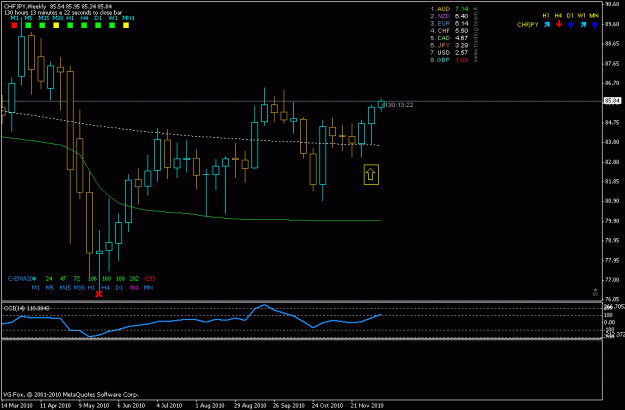
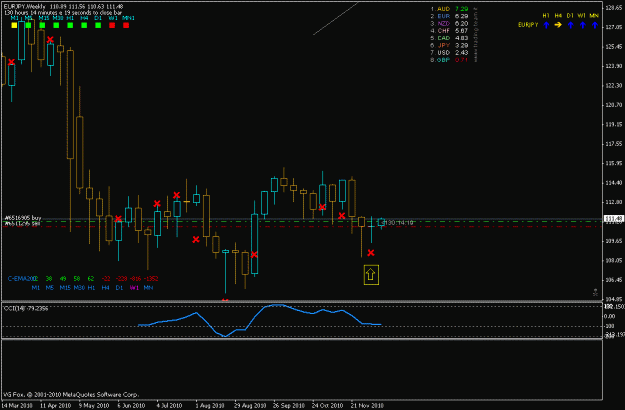
As this has already been posted numerous times on other forums, I might as well recommend H. Liu`s currency strenght meter, simple but quite good as it was modified for less intense computer power.
Another kind of meter can be found in lawgirl´s thread, her MTF indicator basically measures RSI set to 3 on multiple timeframes. I have found this to be often even more accurate and real-time as those numbered or " arrow only " indicators.
I will have time tomorrow and next week to post charts and examples what I was trying to say.
A BIG thank you !
http://www.currencystrengthmeter.com
___________
michael

Attached File(s)


Be like water.