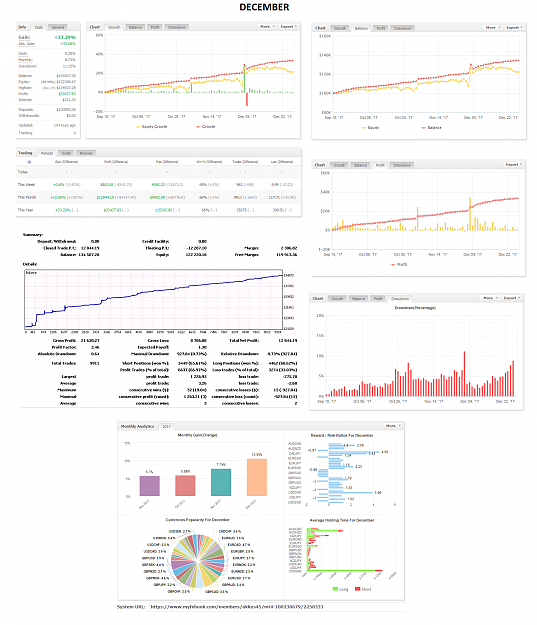
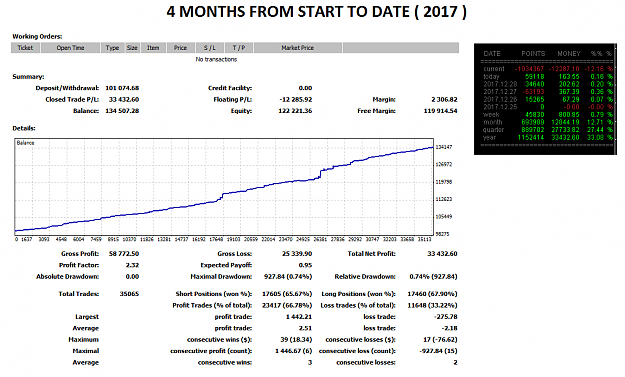
hi Akkus
I can share one advice i'm using, your trading bot is one kind of a "grid" trading EA, wich will try to get better Average entry point by opening more positions as the price goes against you. I'm also trading this way with my bot (but not in the martingale way), but I do belive this should be Directional, and not to both sides at same time.
One trick is to check W1 and MN charts, deppending on your distance between orders maybe even D1, and only go to the "big trend" side. (wich probably have fundamental reasons behind it)
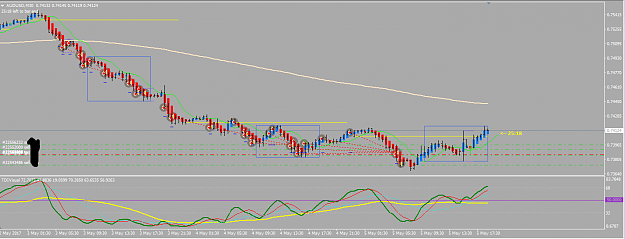
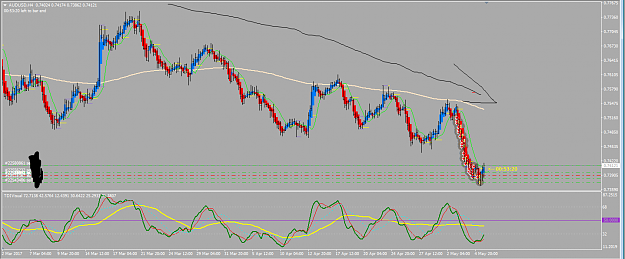
here is my recent trades on AUDUSD example taken on H4 (going only to same side as the higher timeframe D1 and W1, wich means SELL ONLY):
Attached Image (click to enlarge)
Attached Image (click to enlarge)
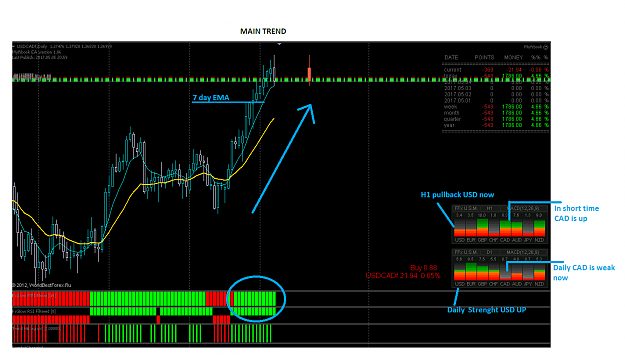
Here's how i'm mentally doing it:
Instead of ajusting your EA do ALL the work for you, use it to automatize the Mechanical trading, all the "where to open, how much TP, how much SL" this all can be automated, but then use this automation on a Specific Market Condition, wich we need as traders to understand the actual market condition, where are the trends going on a bigger scenario, and just go to same side.
Also if you doing Martingale, alot of extra caution should be taken on Big News.
hi Akkus I can share one advice i'm using, Have a nice weekend, and dont give up!!!
Ignored
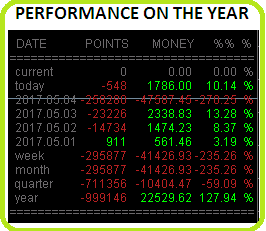
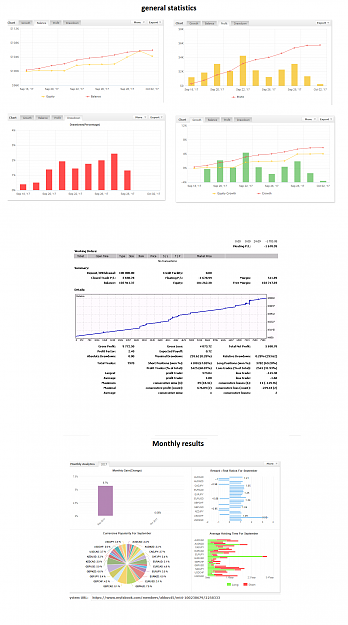
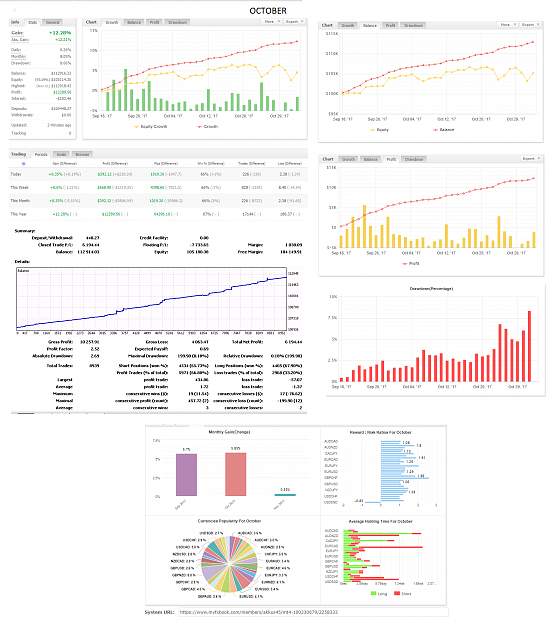
Thank you very much dear Mokuro for your good advices. Yes you are right Im using martingale EA on two sides in same time. That is Martingale making good profit but have high risks. Im changing my idea to " Trend is your friend" , sharing some orders on my understanding. Can you look again please to my charts , is there any wrong job.
Thank you again , good wekeend for you too .
I hope you will have green pips all times. Regards.
Hi all . I have started new demo forward test . Will share results here monthly. Plan is , monthly near 10 percent profit , doubling in 1 year. Cut loss between 25, 30 percent. Lets see how will go. Regards...
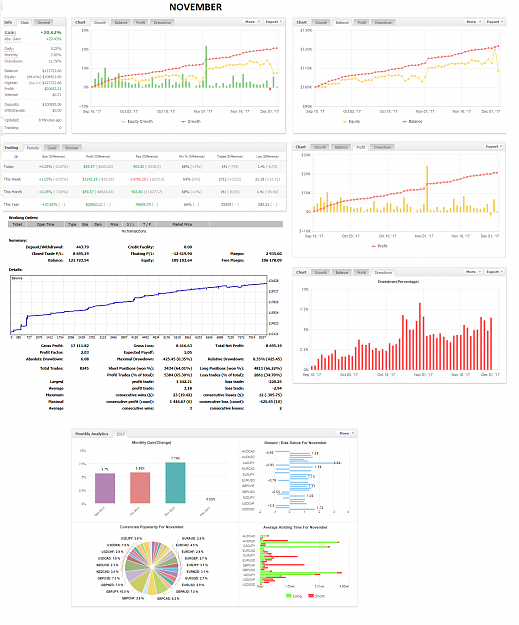
After 5 months demo testing I decided to stop this system for make improvements. Yes , I saw about 30 percent profit on account but almost I saw DD as it( you can see on my last shared picture ).
When I made improvement on it will start new demo testing , regards..
Hello everyone,
after almost 10 years away from forums, I’m back.
During this time, I continued trading actively and also spent some time improving my coding skills.
Today, I’d like to share my first Expert Advisor with you.
Important:
If Auto Trade is active and you manually close a trade using the panel, a new trade may be opened if trading conditions are still valid.
If you do not want a new trade to be opened, first disable Auto Trade from the panel.
This expert use hedging and martingale concepts.
Please test it on a demo account first and use proper risk management.
This is not a holy grail system.
Hello everyone.
I will no longer be posting version updates here. You can access the latest version of Expert from the website URL on my homepage, mql5.com. Best regards...