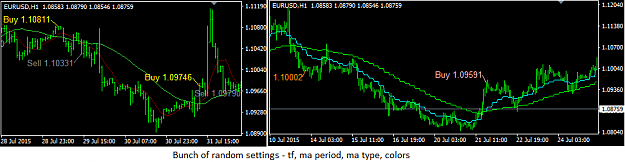
{quote} I'm sorry to keep bothering you but i'm soooo close to finishing my template for my trading strategy. The last part of my chart that needs cleaned up is my Average Weekly Range indicator that I use. I really like having this indi on my charts while trading so I can visually see where price might start to stall, but it looks messy on the charts because of all the info it provides. What I'm looking for is either one of 2 things. A) you can either fix this indicator as is....... or B) you can add this info onto the Lines BoJack indicator that...
[quote=NickBixy;13046891]{quote} new version {file} {file}[/quote
Ty for making an adjustment so quickly. Ty for shortening up the lines. If jeanlouie, you still want to take a crack at it. I'd appreciate it. Tyvm again NickBixy for taking our time to help me out. I appreciate it. I will be replacing my current indicator with this version until I can get exatly what i'm looking for. TY!!
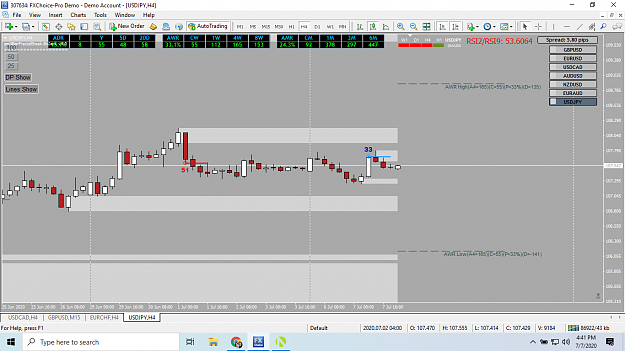
{quote} new version {file} {file}[/quote Ty for making an adjustment so quickly. Ty for shortening up the lines. If jeanlouie, you still want to take a crack at it. I'd appreciate it. Tyvm again NickBixy for taking our time to help me out. I appreciate it. I will be replacing my current indicator with this version until I can get exatly what i'm looking for. TY!! {image} {image} It's looking cleaner already!
Is there any EA maker who can make EA based on trading results?.
I have a good trading results but i am planing to come out an EA based on that results.
We need to do reverse engineering based on the results.
{quote} I have added alert for when RSI line is crossing Band up or down. if (RSIBuffer[i+1]<Up_Buffer[i+1] && RSIBuffer[i]>Up_Buffer[i]) state[i] = 1; if (RSIBuffer[i+1]>Dn_Buffer[i+1] && RSIBuffer[i]<Dn_Buffer[i]) state[i] = -1; {file}
Ignored
Thank you Bluerain for your work and your attention. You are the best !!!!!
{quote} new version {file} {file}[/quote Ty for making an adjustment so quickly. Ty for shortening up the lines. If jeanlouie, you still want to take a crack at it. I'd appreciate it. Tyvm again NickBixy for taking our time to help me out. I appreciate it. I will be replacing my current indicator with this version until I can get exatly what i'm looking for. TY!! {image} {image} It's looking cleaner already!
Ignored
i can see trend strength RSI indcator in your chart,please share it and setting also in diff time frames,im a big fan of this indicator ,i use trend strength RSI mod.thanks
So I have a request based on an indicator someone shared here. And I believe this request, if fulfilled, will be of great benefit a lot of traders!
I would like to have someone make a MTF (with the ability to choose which timeframes you want to display) multi-currency dashboard to give a signal whenever the following condition occurs.
Hi coders, i need your help to create indicator , arrows Up and Down plus alert when the conditions met. 1. Down arrow- Price close outside both TOP BB and MA 5 High (Linear Weighted). MA 5 HIGH breaks TOP BB 2. UP Arrow - Price close outside both BOTTOM BB and MA 5 Low (Linear Weighted). MA 5 LOW breaks BOTTOM BB Please refer attached picture Thank you very much {image}
Can anyone help with this script, What I need is the settings to remain the same So I don't have to reset them every time, Play keep going back to the default position Thanks in advance, {file}{file}
Ignored
HUGE THANKS SIR
if possible make it plot like next higher time frame auto
{quote} This isn't exactly that, the trading view places labels at a pip distance above/below the high/low of a cross up/down. This one places them at an optional ATR value above/below and an optional number of bars behind the completed crossove candle. MA_Crossover_Labels - regular ma crossover - places labels at the completed crossover candle with price of that close - added mtf too - styling options, text input {image} {file}
Ignored
jeanlouie sir i am not able to change ema values/colors in this, whenever i do lines vanished
{quote} Thanks for that information I didn't realise it didn't have the MQL file, is it possible to do it on this SCRIPT then, Thank you for your time, {file}{file}
Ignored
I looked into all possible way to save programatically save .set file but there is no easy way for individual indicator.
It will be too much work to parse input, write to file, reload again for simple script.
I have to pass this. Sorry about that.
One way is to save your settings to .set file and load back when you load your EA/Scripts etc.
Another way is to change settings in source file - and it will becomes permanent changes.
extern string gen="----General inputs----"; extern double Lot=0.01; extern int TakeProfitPips=0; extern int StopLossPips=5; extern int MagicNumber=0;
extern string TradeComment="";
extern bool CriminalIsECN=false;
extern double MaxSlippagePips=5;
////////////////////////////////////////////////////////////////////////////////////////
double TakeProfit, StopLoss;
double factor;//For pips/points stuff. Set up in int init()
double price, stop, take;
////////////////////////////////////////////////////////////////////////////////////////
extern string spe="----Specific inputs----";
extern int AddToHighPips=5;
extern int CandleShift=1;
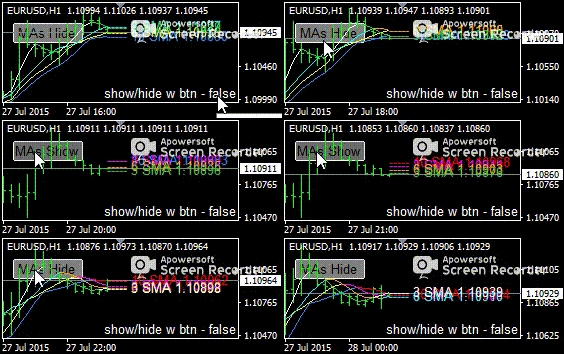
Someone alerted me that there was a bug in this:
bug - the label option to hide/show with the button pressing wasn't working, the labels would never be hidden
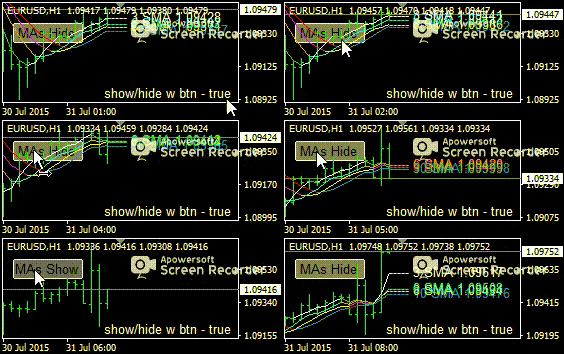
fix - now the option works, you can opt to show the labels even if the lines are hidden, or hide the labels when the lines are hidden, also if the labels are shown then they will update their values/colors even if the lines are hidden
{quote} jeanlouie sir i am not able to change ema values/colors in this, whenever i do lines vanished plz solve
Ignored
"not able to change ema values/colors"
- changing those works on my end
Attached Image (click to enlarge)
"whenever i do lines vanished"
- for this to happen, the tf setting must be above 0(chart tf) and below the current chart period
- ie if chart period is 1hr, indicator will not show up if selected tf is 1-5-15-30min, it will show up if tf is 0, 1hr or higher.
...i need ea to close open trades at virtual two line (vsl+vtp) if (bid price > vtp or < vsl) then close selected orders . note only bid price identify selected opening orders by price number instead of magic number ....
Ignored
This sounds like hidden stops/targets, I'm sure there's probably some particular version floating around on ff that allows exiting a specific trade. You can look for it or the closest to it and see if that can be modified to what you want.
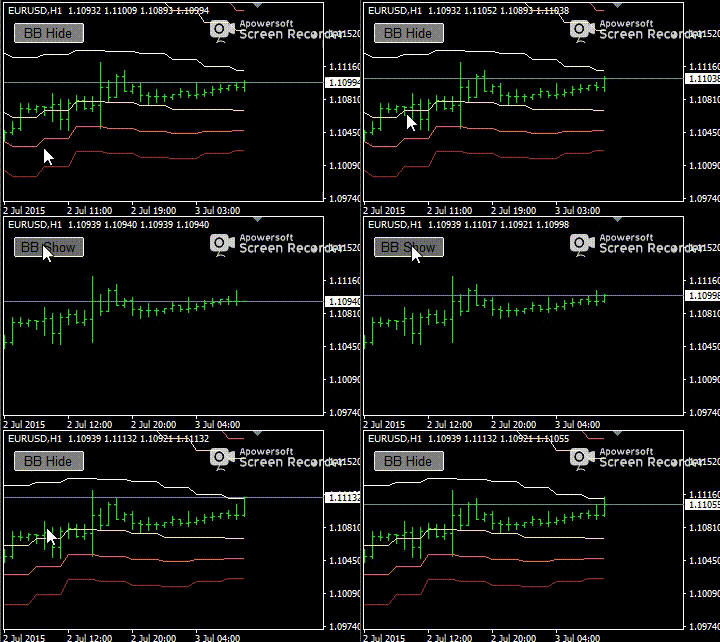
{quote} {quote} Someone alerted me that there was a bug in this: bug - the label option to hide/show with the button pressing wasn't working, the labels would never be hidden fix - now the option works, you can opt to show the labels even if the lines are hidden, or hide the labels when the lines are hidden, also if the labels are shown then they will update their values/colors even if the lines are hidden {image} {image} {file}
Ignored
hi jeanlouie,
your buttons are great. Thanks for it.
I have some suggestions for optimization.
1.Possibility to place the button several times in the chart.
I think you need a button ID.
2. to stop the refreshing/windowredraw every time we switch time frame such as H4, Daily, Weekly, etc...
meaning is:
the button will automatically shown the lines if you use a pair-changer. if you hide the lines and you change your currency pair, lines will be automatically shown.
at my point of view it is unconfortable.
it would be better, if the function of the button hold his status, which is last used.
greeting to you :-)




 I will code your EAs and Indicators for no charge


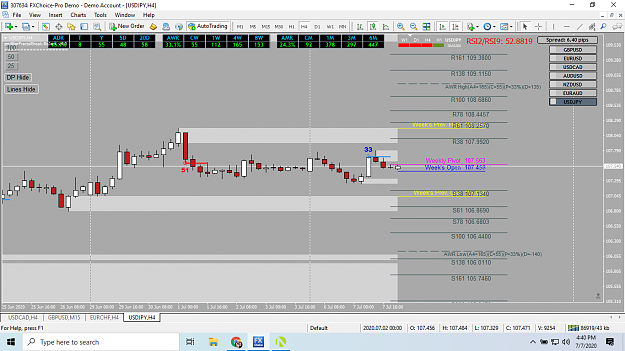


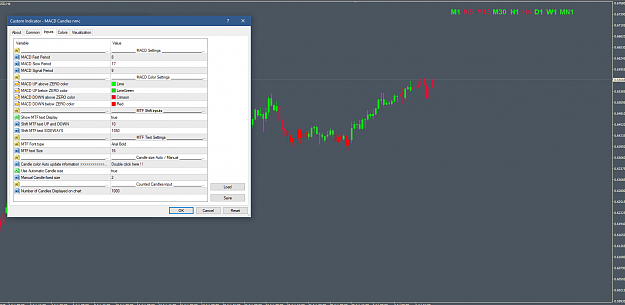
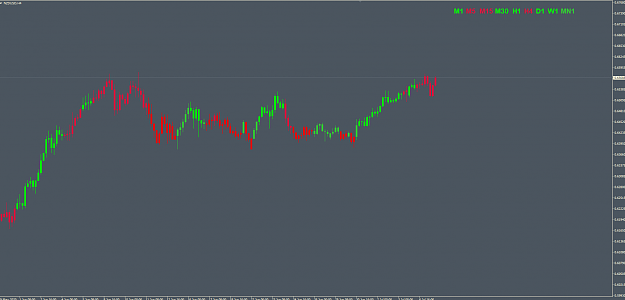
 The feature I like is the MTF Text on the chart
 volty_channel_stop_v2.2__mtf__alerts_nmc &