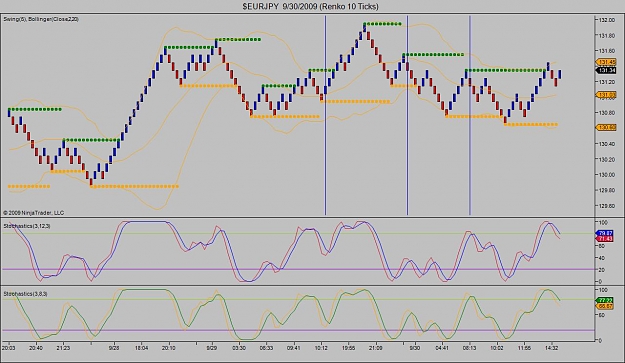
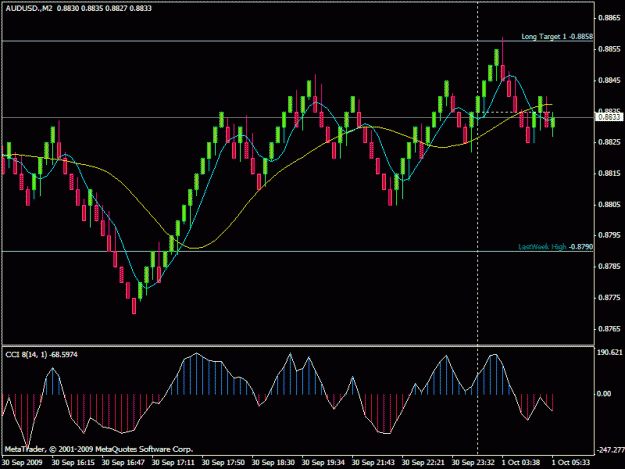
This thread is an offshoot of a thread started in the Programming Discussion Forum that gradually changed focus from "how to write a Renko script" to "how to trade Renko" so it seems more appropriate here.
I'll get the ball rolling with an example of what I'm trading right now and, at some point further along if there is interest in this topic, I'll post the indicators, etc. that I'm using and direct those new to Renko to the necessary educational materials.
If you are already trading Renko, this is the place to share with others who may not be doing what you are doing and would like to share.
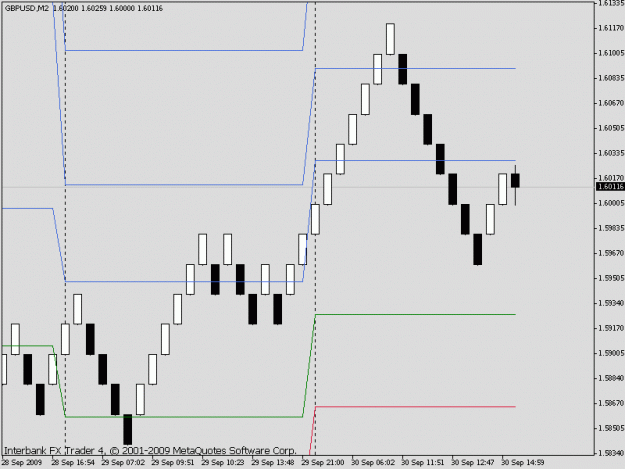
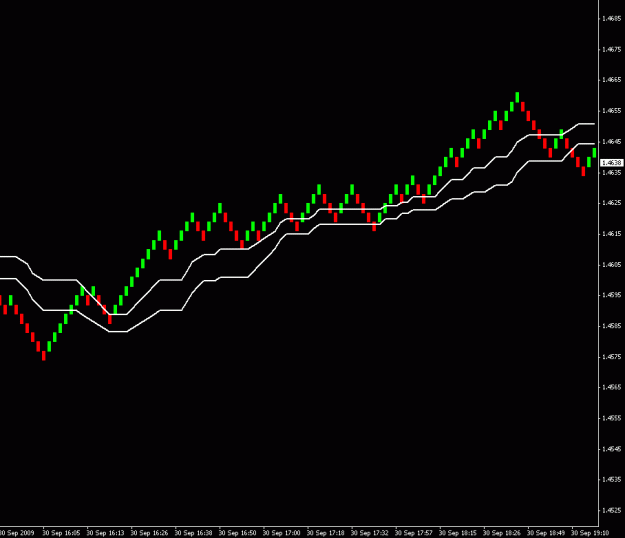
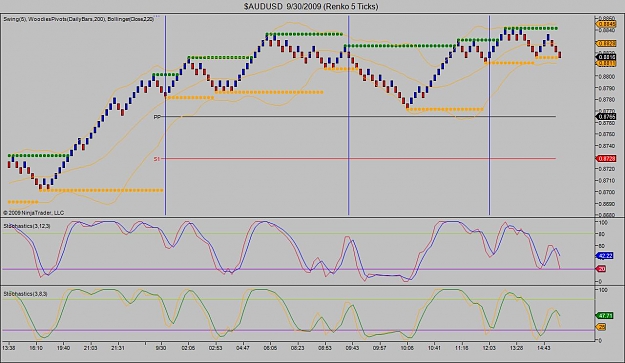
Here's what I'm up to these days:
The horizontal lines on the chart are standard Pivot Points - I'll post the indi I'm using soon (or you can find/use one of your choice).
I'll get the ball rolling with an example of what I'm trading right now and, at some point further along if there is interest in this topic, I'll post the indicators, etc. that I'm using and direct those new to Renko to the necessary educational materials.
If you are already trading Renko, this is the place to share with others who may not be doing what you are doing and would like to share.
Here's what I'm up to these days:
The horizontal lines on the chart are standard Pivot Points - I'll post the indi I'm using soon (or you can find/use one of your choice).
Attached Image (click to enlarge)
Old Benjamin was right

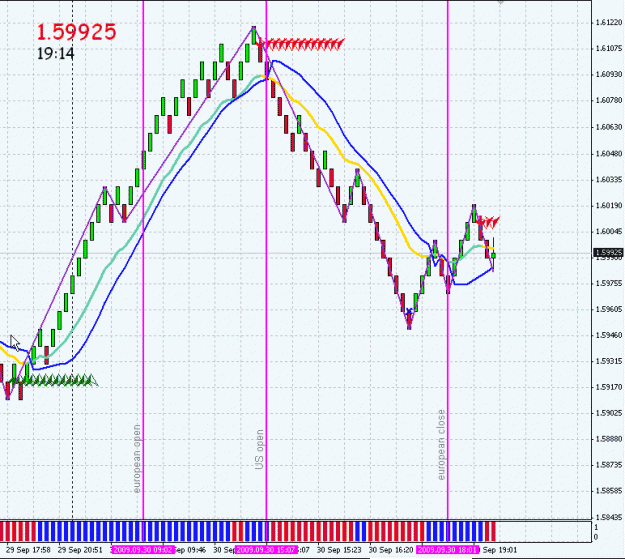



 for charting and GFT for execution. I have used 10-20 pip renko before but for me personally I dont have the paitence. My personality is better suited for the 5 pip renko. I would love to share and contribute with those in your thread as we go if thats alright with you Lou. I am not sure if you want this strictly higher renko ranges or whatever works for some so we can all learn and discuss, just let me know